
Updates
Witchfire Returning Player Guide
A practical Witchfire checklist for returning players: review progression, rebuild loadouts, test updated systems, and plan first runs after updates.
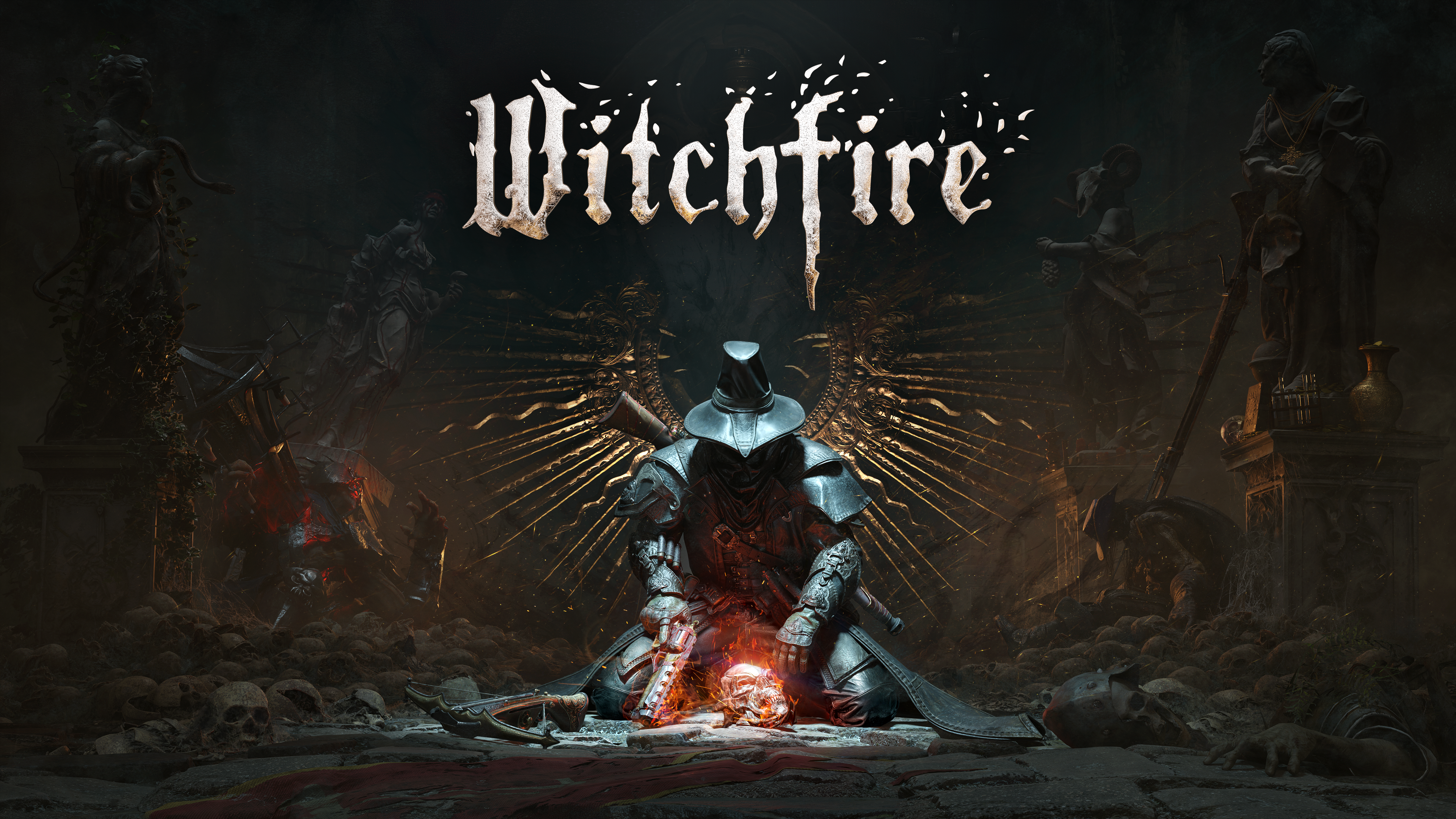
# Witchfire Returning Player Guide: What to Check After Updates
Coming back to Witchfire after a break can feel like returning to the Hermitorium with a half-remembered ritual, a familiar weapon, and no guarantee that yesterday's safe habits still work. Updates can change more than a damage number. They can add new destinations, alter how progression works, move the pressure points of an expedition, rework menus, introduce new enemies, or make a forgotten item suddenly valuable. This Witchfire returning player guide is built around one goal: help you decide what to check first so your first sessions after an update feel controlled instead of confusing.
Witchfire is not a game where you should blindly load into the hardest expedition, sprint toward an old farming route, and assume your old build survived untouched. The smarter return is to treat your first hour as a systems audit. Read your character, test your equipment, look around the Hermitorium, and only then commit to deeper runs. Recent official notes are a good reminder of why this matters: the Revelations update was described as the last major content update before version 1.0 and added a new Marshland level, new languages, the Outskirts Vault, the Garden, dialogue systems, Fallen Preyer changes, World Corruption 2.0, new enemies, weapons, spells, torments, and Rosary Beads. citeturn143717view0
Start With the Right Returning Player Mindset
Your first question should not be: what is overpowered now? Ask this instead: what did the update change about how I survive, progress, and extract? Patch notes can answer part of that, but the in-game check matters more because your save, unlocks, Gnosis level, resources, and loadout all interact differently depending on where you left off.
Use this simple rule for your first session back:
- One short run to relearn movement, enemy pressure, stamina, healing, and extraction.
- One equipment pass to inspect weapons, spells, relics, fetishes, rings, melee tools, and passive bonuses.
- One progression pass to check research, stats, Rosary options, quests, and map access.
- One serious run only after you know what changed.
That may sound cautious, but Witchfire punishes rusty confidence. A returning player usually remembers the broad rhythm: scout, fight, loot, manage calamity or corruption pressure, then decide whether to push or extract. What gets dangerous is forgetting the small details: how much ammo your favored gun carries now, whether your spell still solves the same enemy type, whether a new mechanic rewards longer stays, or whether a map now hides an objective that changes your route.
Step 1: Check Your Save, Quests, and Immediate Objectives
Before entering a portal, stand in the Hermitorium and take inventory of your current state. Your save may not be broken or outdated, but your mental map might be. Open every menu that affects progression and ask what the game is currently pointing you toward.
Practical checks:
1. Review your active quests and any new objective text. 2. Look for new rooms, interactable stations, or NPC dialogue prompts in the Hermitorium. 3. Check whether new destinations, vaults, or map paths have appeared. 4. Inspect your available research and whether old research choices still make sense. 5. Review currencies, consumables, keys, herbs, and other resources before spending anything.
This is especially important if you skipped more than one major update. Webgrave added Velmorne, Rosary passives, a prologue reminder, Workshop 2.0, Stats 2.0, higher Gnosis levels, and a new gearpack, so a player returning from before that period would not simply be catching up on balance tweaks. They would be re-entering a progression structure with several new decision points. citeturn511727view1
For a deeper reset of your long-term route, keep the [progression guide](/guides/witchfire-progression-guide/) open after your first pass. If your issue is not where to go but what to spend, compare your situation with the [resource management guide](/guides/witchfire-resource-management/).
Step 2: Rebuild Your Loadout Instead of Assuming It Still Works
Returning players often make one expensive mistake: they equip their old favorite weapon, die twice, and decide the update ruined the game. Sometimes that is wrong. The weapon may still be strong, but the surrounding systems changed. Your stats, spell pairing, melee tool, Rosary setup, enemy mix, or map objective may be the real problem.
Do a clean loadout check:
- Read every weapon and Mysterium description, even on gear you think you know.
- Test recoil, reload feel, range, and ammo economy before a serious expedition.
- Pair one reliable primary damage tool with one panic or crowd-control option.
- Check whether your melee choice now covers a weakness in your gun or spell setup.
- Bring a familiar weapon on your first real run, but do not force a full old build.
The Reckoning update is a good example of why equipment review matters. It added melee weapons, World Corruption, Torments, Surges, the Velmorne Vault, a Shooting Range and Bestiary, and more Fallen Preyers. That kind of update changes how you evaluate your kit, because practice tools, enemy knowledge, defensive options, and optional challenge systems all affect build value. citeturn511727view2
Use the [best weapons guide](/guides/witchfire-best-weapons/) if you want a fresh ranking of your arsenal, but do not stop at raw damage. Witchfire rewards weapons that match your route. A boss-focused gun can feel poor in a messy patrol chain. A safe add-clear option may feel weak until it prevents a failed extraction. If your spells feel off, compare your setup with the [spell guide](/guides/witchfire-spell-guide/).
Step 3: Review Workshop, Stats, Rosary, and Upgrade Paths
After big updates, progression systems are the easiest place to waste value. A returning player may have enough resources to buy or research something immediately, but spending before reading is risky. Witchfire updates have repeatedly touched Workshop behavior, stats, Gnosis requirements, and passive systems, so slow down and treat upgrades like a build decision rather than a notification-clearing chore.
Use this order:
1. Open the Workshop and look for new categories, research paths, or completed unlocks. 2. Check stat descriptions and confirm what your current attributes actually improve. 3. Inspect Rosary Beads and passive bonuses for synergy with your intended route. 4. Review gear that was weak when you left, because reworks can make old items useful. 5. Delay major spending until after one test expedition unless the upgrade is clearly safe.
This matters most if your old plan was built around narrow breakpoints. Maybe you leveled for a specific reload feel. Maybe your favorite weapon needed one stat to smooth out ammo pressure. Maybe you relied on a particular spell cooldown. If the update changed surrounding systems, the old breakpoint may no longer be the best target.
For a structured upgrade pass, use the [upgrade guide](/guides/witchfire-upgrade-guide/) and then return to your save with a specific question: am I improving survival, damage, economy, or map access? If the answer is vague, wait.
Step 4: Relearn the Map Before Farming It
Do not begin your comeback with a full greed route. Map updates can add new areas, change enemy density, place new events, or make old paths more dangerous. Even if a map looks familiar, the correct returning-player approach is to run it like a scout.
On your first expedition after an update:
- Move slower than usual for the first five minutes.
- Watch for new icons, objective markers, doors, vault entrances, interactables, and enemy groupings.
- Note whether patrols arrive sooner, hit harder, or include enemies you do not recognize.
- Re-check extraction positions before committing to a long fight.
- Leave early if you have confirmed new information and are carrying useful resources.
This is not cowardice. It is efficient learning. Witchfire's risk structure makes information valuable because death can cost momentum, resources, and confidence. A clean partial run that teaches you a changed route is better than a stubborn full run that ends with you blaming a mechanic you did not inspect.
If you are lost, use the [map guide](/guides/witchfire-map-guide/) for route planning, then pair it with the [extraction guide](/guides/witchfire-extraction-guide/) so you always know your exit plan before greed takes over.
Step 5: Respect World Corruption, Torments, and Run Pressure
Returning players usually remember that Witchfire gets nastier when a run goes long. What you need to check after updates is how the current version expresses that pressure. World Corruption, torments, events, and enemy spawns can change the value of slow exploration versus fast extraction. In Revelations, the official notes describe World Corruption 2.0 as a rework where bold play makes the world harsher around you, with events, interactables, temptations, and related balance changes. citeturn143717view0
When you return, make your first few expeditions shorter and cleaner:
- Set a goal before entering, such as one objective, one resource type, or one route check.
- Track when pressure increases and what triggered it.
- Avoid optional challenges until your movement and aim feel warm again.
- Extract while you still have healing and ammo, not after both are gone.
- Save high-risk experiments for a loadout you are willing to lose momentum on.
For many players, the biggest update adjustment is not mechanical knowledge but discipline. You may be good enough to clear one more encounter, but the question is whether that encounter supports your comeback goal. If you are rebuilding resources, leave. If you are testing a weapon, leave after the test. If you are scouting a new area, leave after the discovery.
Step 6: Recheck Movement, Melee, and Defensive Habits
Witchfire is a shooter, but returning players die just as often from bad positioning as bad aim. After updates, spend a few minutes relearning slide timing, stamina rhythm, dodge spacing, and how quickly you can swap from offense to defense. If melee or defensive tools changed while you were away, this step is even more important.
Run a low-stakes combat drill:
1. Fight a small group without using your panic spell. 2. Practice backing out toward cover rather than retreating in a straight line. 3. Use melee once or twice on purpose, not as a desperate accident. 4. Watch stamina after blocks, dodges, sprinting, and repositioning. 5. End the fight by identifying what actually endangered you.
That last point matters. Was it an enemy type? Poor spacing? Reload timing? Greed? A new status effect? Your next change depends on the answer. If movement feels rusty, revisit the [movement guide](/guides/witchfire-movement-guide/) before blaming your build.
Step 7: Talk to NPCs and Check Fallen Preyers
The Hermitorium is not just a menu room. After updates, it can contain new dialogue, story hooks, quest steps, rooms, and helper changes. Returning players should speak to available NPCs and inspect Fallen Preyers before committing to a long plan.
Check for:
- New dialogue options or quest follow-ups.
- Changed Fallen Preyer availability or roles.
- New rooms, stations, or interactables.
- Lore entries that point toward a destination or objective.
- Any reminder systems that explain mechanics added while you were away.
This is especially relevant after updates that expand story structure. Revelations added a dialogue system and a Fallen Preyers rework with story quests, according to the official notes. citeturn143717view0 If you skip these checks, you may miss the reason a destination matters or fail to notice that a helper option now supports your build.
Step 8: Check Settings, Controls, and Performance
A returning player guide should not ignore technical comfort. Updates can add languages, controller fixes, haptics, presets, shader notes, or performance improvements. Before you decide that a weapon feels wrong, confirm that your input, frame pacing, graphics settings, and controller layout are still comfortable.
Quick settings audit:
- Recheck sensitivity and aim feel after any long break.
- Confirm controller prompts and bindings if you play on a pad.
- Let shader compilation or first-load setup finish before judging performance.
- Try updated graphics presets if your hardware struggled before.
- Disable or update mods if you use them and something feels unstable.
Official patch notes around recent updates include controller prompt fixes, keyboard icon fixes, Steam Deck preset notes, shader compilation visibility, basic haptics, and performance-related entries, so the settings menu is worth a quick pass even for experienced players. citeturn143717view0
A Practical First Hour Back Plan
Use this plan if you have not played Witchfire in weeks or months.
Minutes 0-10: Hermitorium Audit
Check quests, NPCs, Workshop research, Rosary options, stats, resources, and equipment descriptions. Do not spend heavily yet unless an upgrade is obviously low-risk.
Minutes 10-25: Loadout Test
Equip a familiar weapon, one experimental tool, and a safe spell. Test reloads, recoil, melee, and defensive movement. Your goal is feel, not loot.
Minutes 25-45: Short Expedition
Enter a manageable destination. Scout changed routes, fight a few encounters, watch pressure systems, and extract early. Take notes mentally: what surprised you, what felt easier, and what nearly killed you?
Minutes 45-60: Adjust and Commit
Now make one real change. Upgrade one path, swap one weapon, change one passive, or choose a new map objective. Then start your first serious run with a clear purpose.
Common Returning Player Mistakes
Avoid these traps:
- Reading only weapon buffs and ignoring map, enemy, and progression changes.
- Spending resources before checking new systems.
- Starting on the hardest available content while rusty.
- Treating a failed test run as proof that a build is dead.
- Ignoring new NPC dialogue or objective prompts.
- Forgetting extraction discipline because you want to see everything immediately.
Witchfire rewards curiosity, but it punishes unfocused curiosity. Be deliberate. The update may have added exciting content, but you do not need to consume all of it in one expedition.
Related Guides for Returning Players
Once you finish this checklist, the most useful next reads are the [early game loadout guide](/guides/witchfire-early-game-loadout/) if you want a safer reset build, the [mid-game guide](/guides/witchfire-mid-game-guide/) if your save is already developed, the [farming guide](/guides/witchfire-farming-guide/) if you need resources, and the [boss guide](/guides/witchfire-boss-guide/) if your comeback goal is clearing major encounters.
Final Advice
The best way to return to Witchfire after updates is to separate learning from winning. Your first run back is not a test of pride. It is a survey. Check your progression, rebuild your loadout, inspect new systems, scout changed maps, and extract before greed rewrites the plan. Once you understand what changed, you can start playing aggressively again with confidence instead of nostalgia.